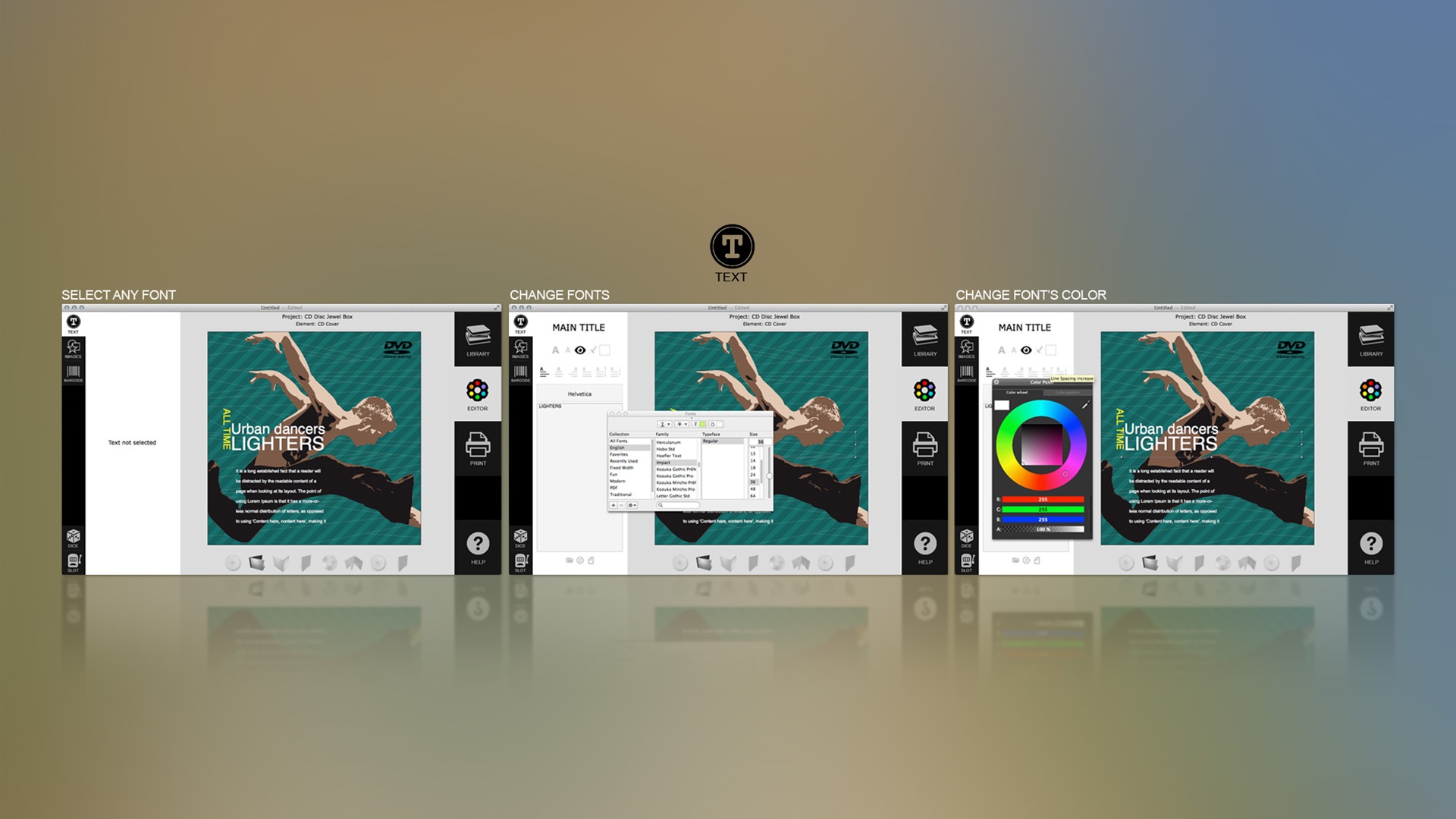
TEXT TOOLS
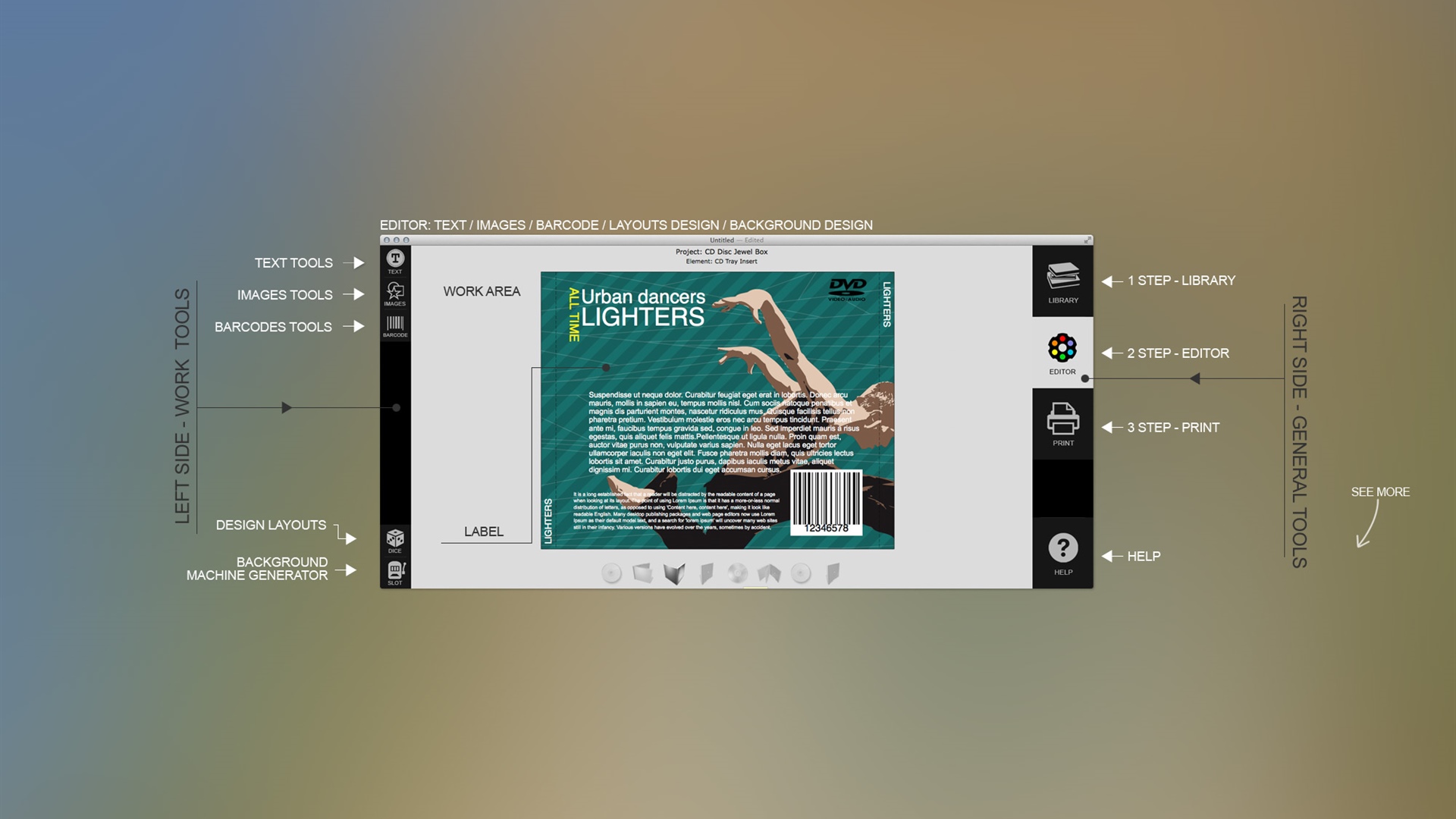
The text properties panel appears once you choose any text block. Change the text manually, or import it from several sources. You can import it from a file, or get a files list from selected folder, or import tacks from iTunes. Text blocks can be assigned a type, such as Subtitle, Main Title, Prologue, etc. The text objects of the same type placed on different elements (disc, cover, etc,) are connected, and have the same contents. Editing such a object in one place, changes it in all the rest ones.
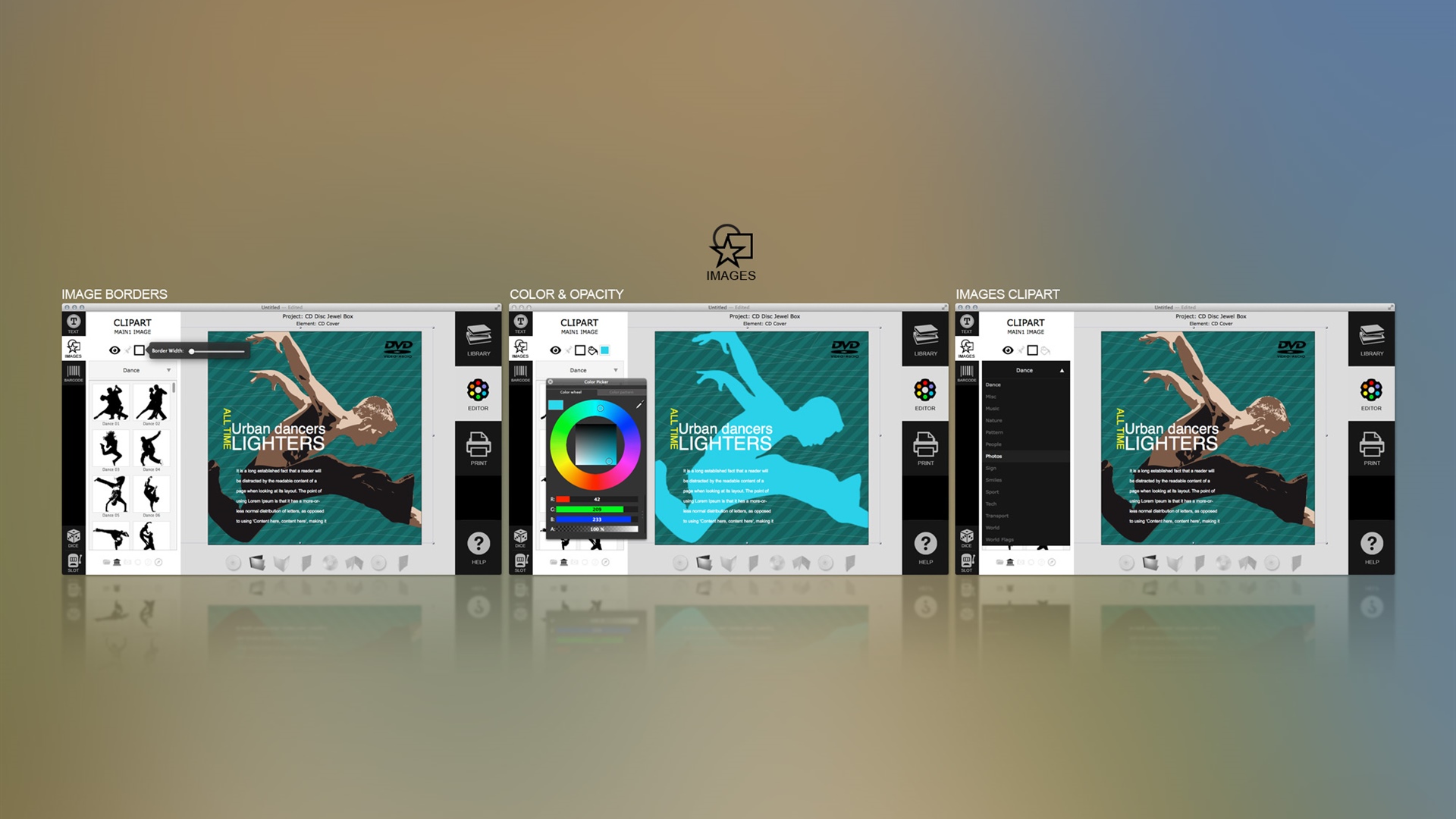
IMAGE TOOLS
The work with images is similar to working with text. When you click on the image object the image properties panel opens automatically. All you have to do is to replace the image with a new one from your disc. Choose one from the desired location, or use iPhoto, Aperture, Photos and Photo Booth image access, iTunes tracks and artwork import, incorporated internet image search features.
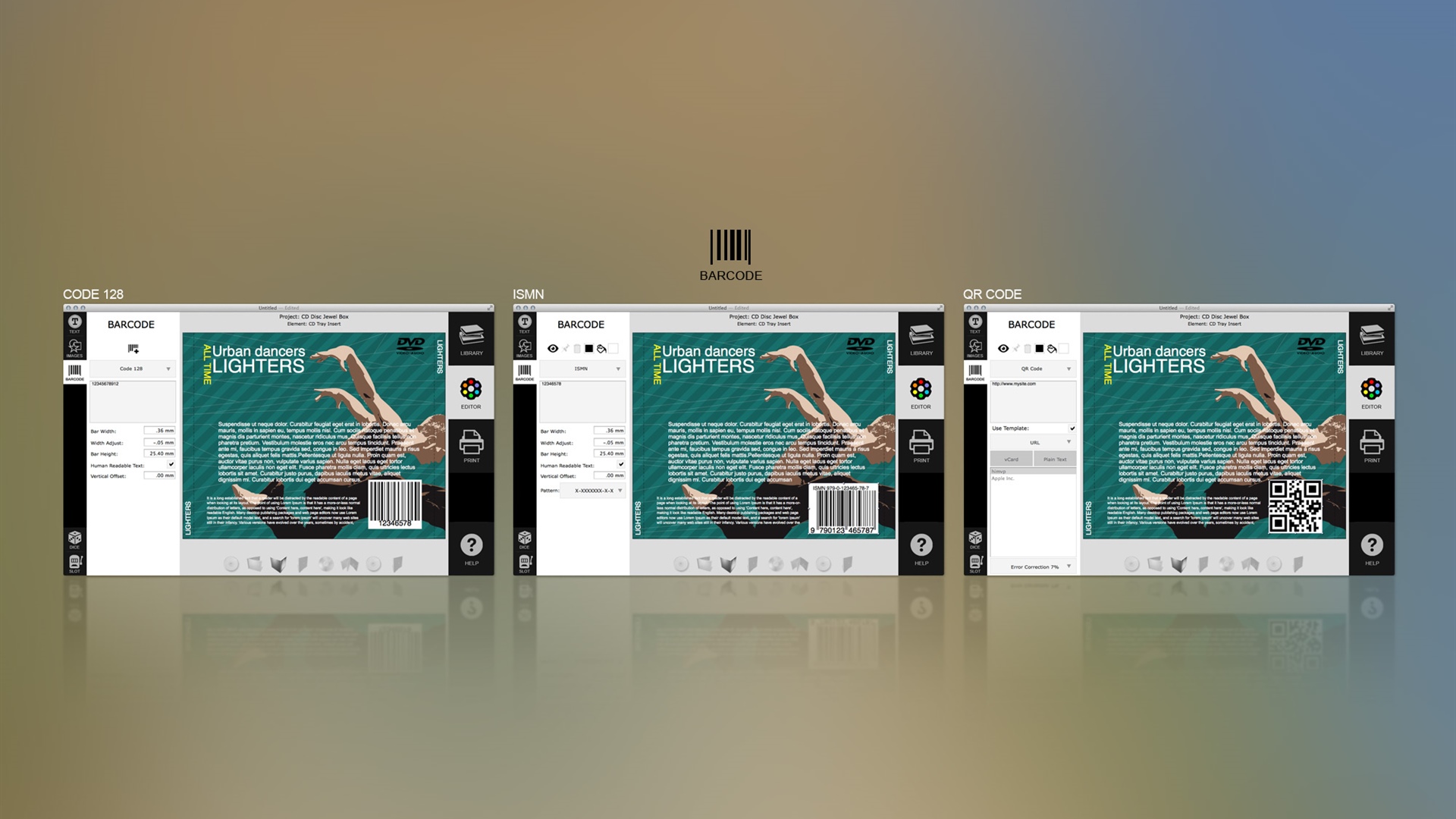
BARCODE TOOLS
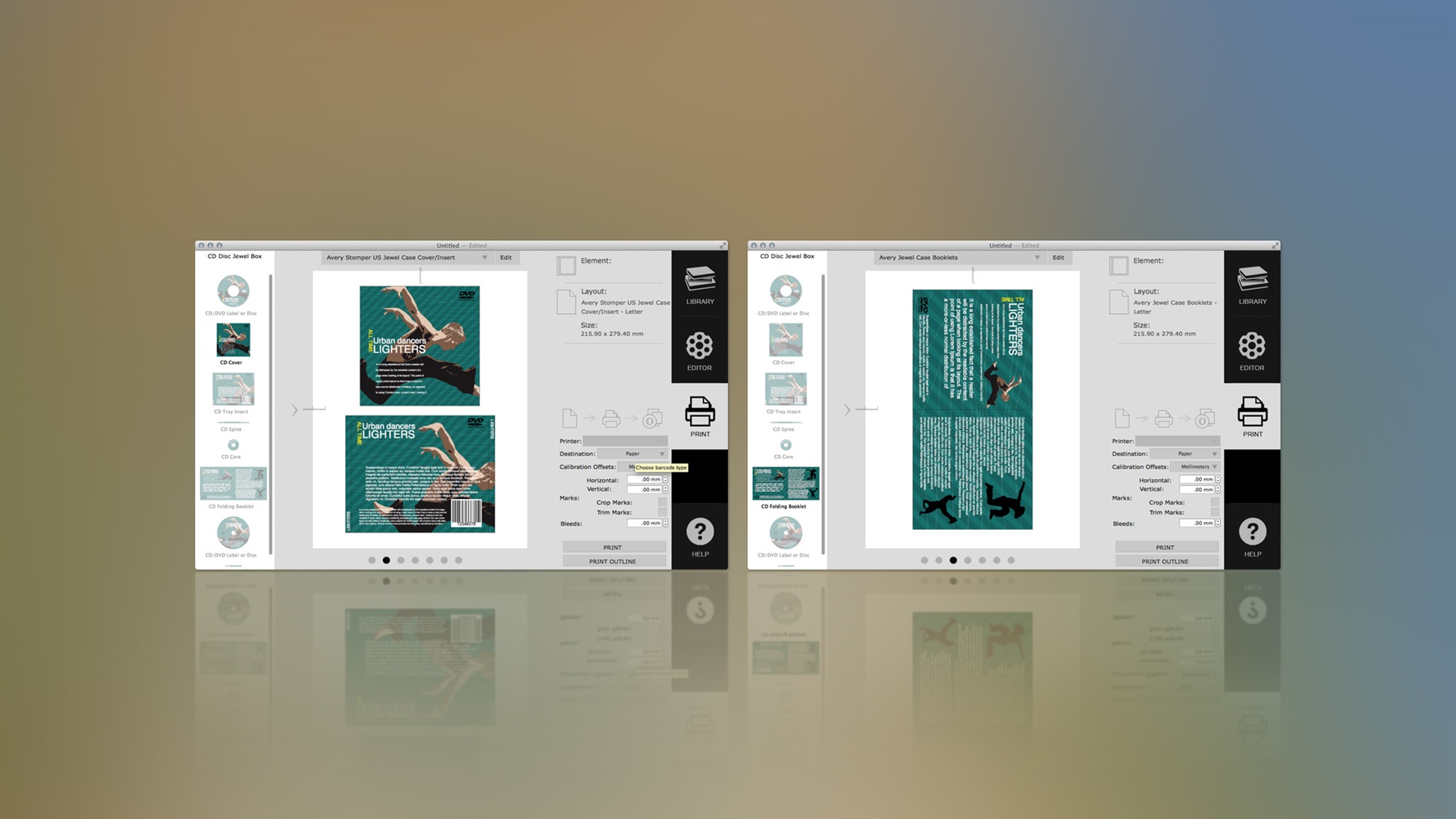
The barcode tool with ISMN, QR Code, and Code 128 is embedded into the program. This option is useful for creating professional CD DVD label designs for commercial purposes. The QR Code can be used to connect your discs or covers to your web site, or online store, to an email signup, or bonus content, etc. If you plan on your CD or DVD to be sold in stores, then you'll need ISMN bar code. Code 128 is a very effective symbology for encoding of alphanumeric data.